You did a ₹3,847 grocery run at the local supermarket. Thirty-one items on a receipt the length of your forearm. Nobody is typing that into an app, and by the time you get home you will file it as "groceries, about ₹3,800" and move on.
That approximation is fine once. Done monthly across grocery runs, pharmacy bills, restaurant tabs and hardware store trips, it puts your budget several thousand rupees out of alignment with reality. Receipt scanning is the fix, and it works better on Indian bills than it used to.
What a receipt scanner actually does
There are two different things sold under the same name, and confusing them wastes time.
Document scanners — Adobe Scan, Microsoft Lens, Google Drive's scan function. They photograph a page, straighten it, clean it up and store a PDF. Excellent at producing a legible image. They do not extract the total into your budget.
Expense receipt scanners — built into finance apps. They photograph the bill and extract structured data: amount, merchant, date, sometimes line items and GST. The output is a transaction in your tracker, not a file in a folder.
If your goal is expense tracking, you want the second. A folder of 400 receipt PDFs answers no question you actually have.
The featured question, answered plainly
Which receipt scanner app works best in India? For expense tracking, an app with AI-based extraction built into the tracker itself — Vyaya is one — because it turns the bill into a categorised transaction rather than a stored image. For pure document capture and archiving, Adobe Scan and Microsoft Lens are both strong and free.
Why Indian receipts are harder than most
Receipt-reading technology was largely built and tested on printed Western retail receipts. Indian bills present a wider range of problems.
- Handwritten kirana bills — item names in Hindi, Tamil or Marathi, totals in someone's own handwriting
- Thermal paper that fades — a receipt kept in a wallet for six weeks may be genuinely unreadable
- Mixed scripts — a Devanagari shop name above English item lines
- Multiple totals on one bill — subtotal, CGST, SGST, round-off, grand total, and sometimes a separate cash-tendered figure that the scanner mistakes for the total
- Restaurant bills with service charge — an optional line that may or may not have been paid
- Long unbranded formats — small retailers using generic billing software with unpredictable layouts
- Photocopied or reprinted bills with poor contrast
Older OCR, which matches printed character shapes, struggles with most of this. AI vision models — the same class of model behind image understanding generally — do considerably better, because they interpret the layout rather than just reading characters. They are not perfect. Expect to correct the total on maybe one bill in eight.
The options
| App | Extracts amount into budget | Handles handwriting | Cost | Notes |
|---|---|---|---|---|
| Vyaya | Yes, into a full tracker | Usually, AI vision | Free, no ads | Android only, ₹ native, share-to-scan |
| Adobe Scan | No, image only | N/A | Free tier | Best pure document capture |
| Microsoft Lens | No, image only | N/A | Free | Good multi-page capture |
| Google Drive scan | No, image only | N/A | Free | Already on your phone |
| Zoho Expense | Yes | Mixed | Free tier, then paid | Built for business claims |
| Wallet by BudgetBakers | Yes on paid tier | Mixed | Subscription | Polished, foreign pricing |
| Typing it manually | Yes | You are the model | Free | Accurate, and you will stop doing it |
Note the shape here: the free document scanners do not help your budget, and most of the extraction-capable business tools cost money aimed at corporate expense claims. For personal use in India, a free tracker with scanning built in is the practical middle.
When scanning is worth it and when it is not
Scanning is not always faster than typing. Be selective.
Worth scanning:
- Any bill above roughly ₹1,500
- The monthly grocery run
- Pharmacy and hospital bills, which you may need later
- Restaurant bills where you want the real total including service charge
- Anything business-related or claimable
- Purchases under warranty, where the receipt is the proof
Not worth scanning:
- A ₹40 chai
- Autorickshaw fares
- Anything you already know the amount of and paid by UPI
- Small kirana top-ups
For everything in the second list, two-tap manual entry is faster than opening a camera. A good workflow uses both, and the UPI spending tracking routine covers the fast-entry half.
Getting a clean scan
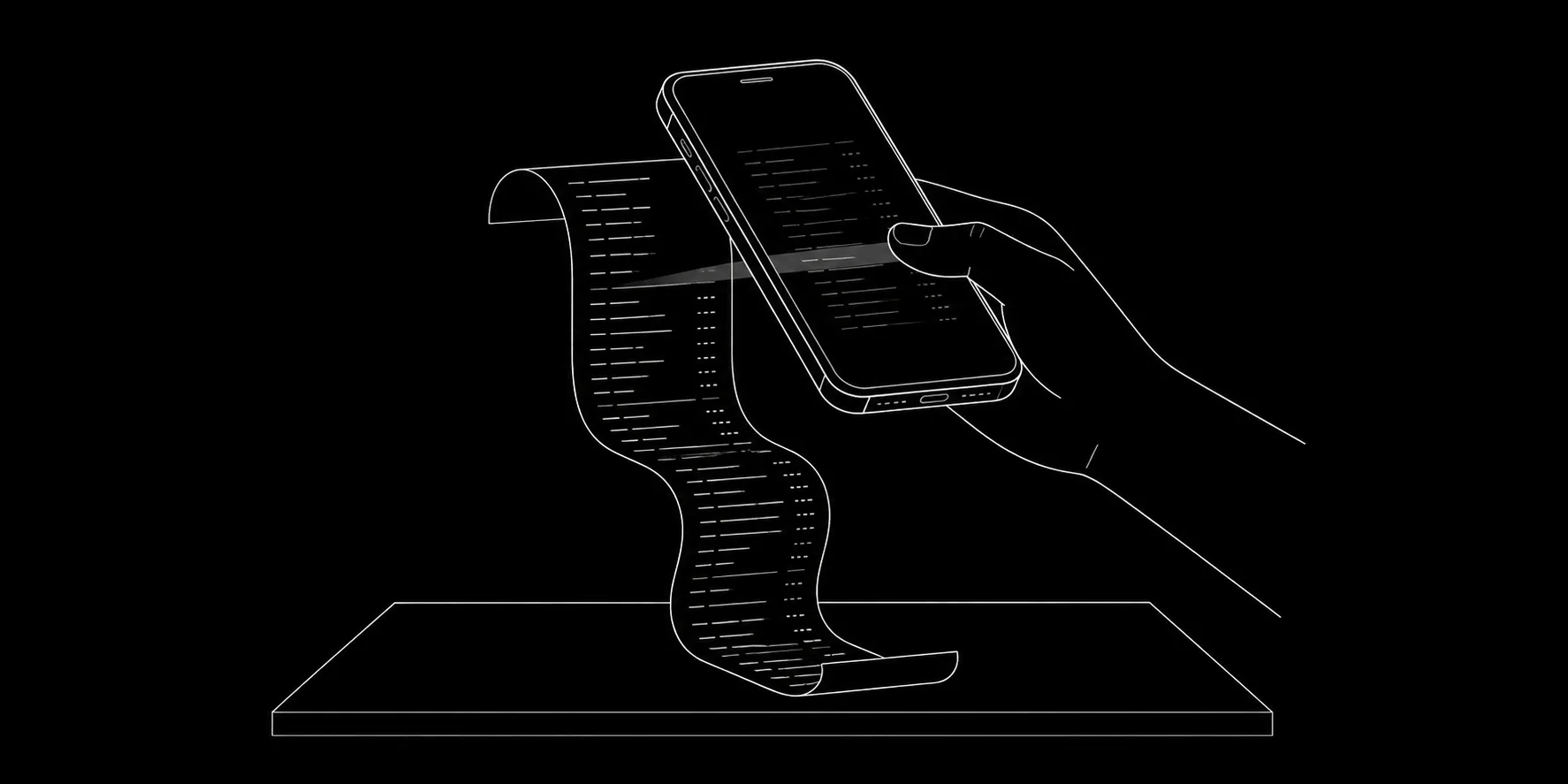
- Flatten the receipt. A curled thermal roll is the single biggest cause of misreads. Press it against a table for a few seconds.
- Use a plain contrasting surface. A dark table under a white receipt. Not a patterned tablecloth.
- Light from the side, not overhead. Overhead light from directly behind your phone creates glare across the total.
- Fill the frame. Get close enough that the text is large, but keep all four edges visible.
- Shoot it the same day. Thermal ink degrades fast, especially in a warm pocket.
- Check the extracted amount before saving. Two seconds, and it catches the round-off and cash-tendered mistakes.
- For long receipts, photograph the total section separately if the full-length shot makes the text too small.
The share-to-scan workflow nobody uses enough
A growing share of Indian receipts never exist on paper. Swiggy and Zomato order summaries, Amazon and Flipkart invoices, Blinkit and Zepto bills, IRCTC tickets, insurance premium receipts — these arrive as emails, PDFs or in-app screens.
If your tracker accepts a shared image or file from Android's share sheet, you can send the invoice straight from Gmail or the merchant app without any photography at all. This is the highest-return habit in the whole article, because digital receipts are the majority of larger purchases now and they are perfectly legible.
Set it up once: order arrives, open the invoice, share, done. It takes about four seconds and the extraction accuracy on clean digital documents is far higher than on paper.
Where receipt scanning fits in a tracking system
Scanning is one input among three, and it is a mistake to treat it as the whole method.
Manual entry handles the many small daily payments — this is 70 percent of your transaction count and 25 percent of your money.
Receipt scanning handles the large itemised purchases — few transactions, large amounts, and the ones where the exact figure matters.
Cash reconciliation catches what the other two miss, weekly. See the cash expense tracking method.
Together these cover essentially everything without any bank or SMS access. For freelancers and anyone with claimable business expenses, scanning shifts from convenience to necessity — the freelancer expense tracking guide explains why same-day capture matters so much at tax time.
What about the data
A receipt is a small privacy disclosure: where you shop, when, how much, occasionally the last four digits of a card. Not credentials, but not nothing.
The question worth asking of any scanning app is what happens to the image after extraction. Is it stored on a server indefinitely? Is the data used to build a spending profile for advertising? The Play Store data-safety section answers this more honestly than the marketing page does.
An app with no advertising business attached has considerably less reason to retain anything. That is not a guarantee, but it is a meaningful difference in incentive.
Organising what you have scanned
A scan is only useful if you can find it again. Three rules keep the archive usable.
Categorise at capture, not later. The moment you scan a ₹2,400 pharmacy bill, mark it as health. Two months on, the merchant name alone will not tell you whether it was a prescription, a thermometer or protein powder.
Add a two-word note to anything unusual. "Client lunch", "AC service", "school books". Future you will thank present you roughly once a quarter, usually at exactly the wrong moment to be reconstructing memories.
Review the scanned large purchases once a month. Five or six bills, thirty seconds each. This is where you catch the double-charged item, the service charge you did not agree to, and the warranty period you should note somewhere.
For anything with a warranty — appliances, phones, laptops — keep the scan indefinitely and note the purchase date in the entry. Indian service centres will usually accept a clear photograph of the invoice, and given how quickly thermal receipts fade, the photo is frequently the only readable copy that still exists eighteen months later.
A realistic expectation
Receipt scanning will not make you an accountant. It will save you from typing thirty-one grocery items, it will give you accurate totals for your six or seven largest purchases each month, and it will mean that when you look at your grocery number in December it reflects what you actually spent rather than what you roughly remembered.
That is a genuine improvement, and the broader look at AI in expense tracking covers where else the technology earns its place — and where it is mostly marketing.