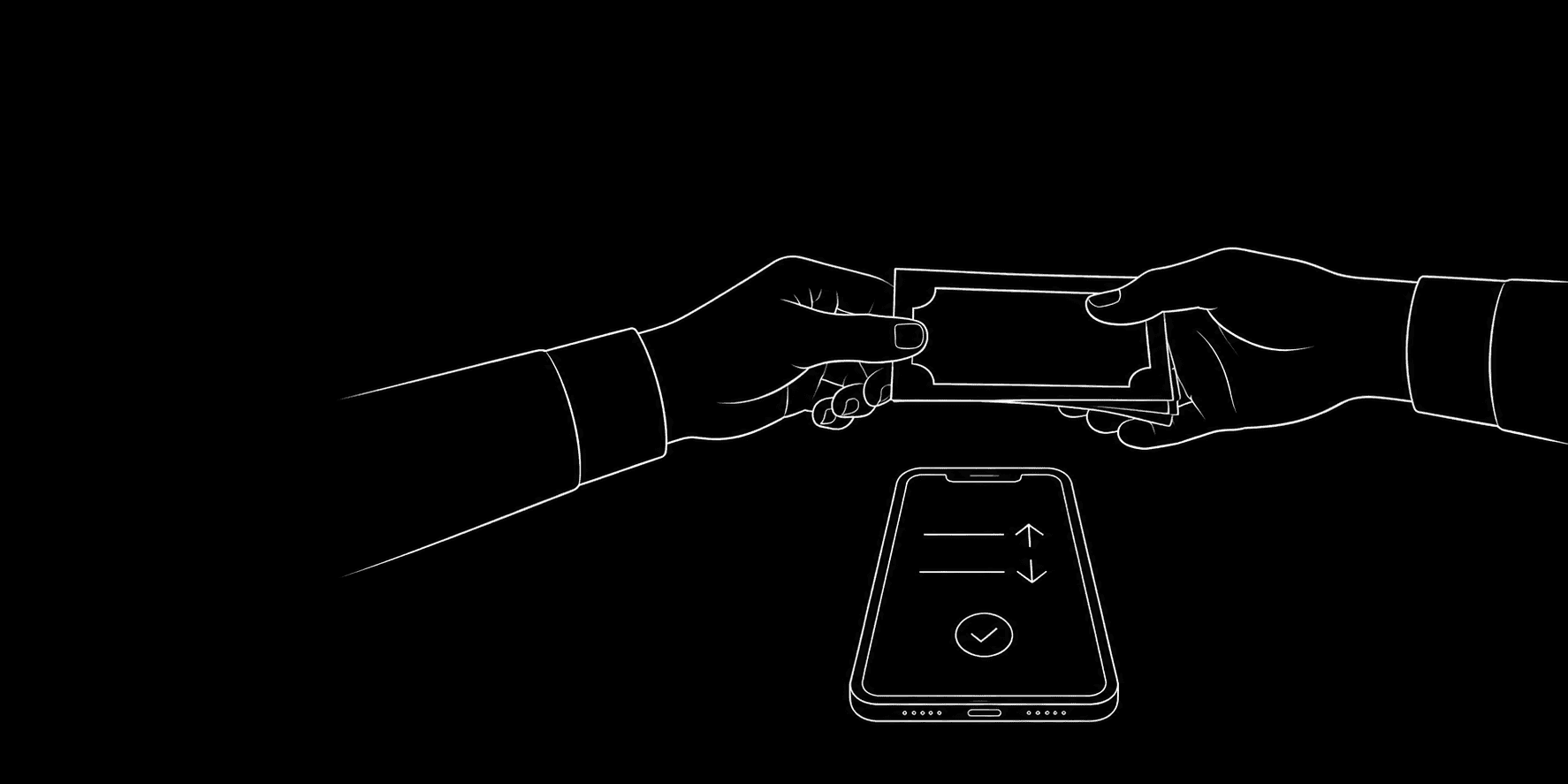
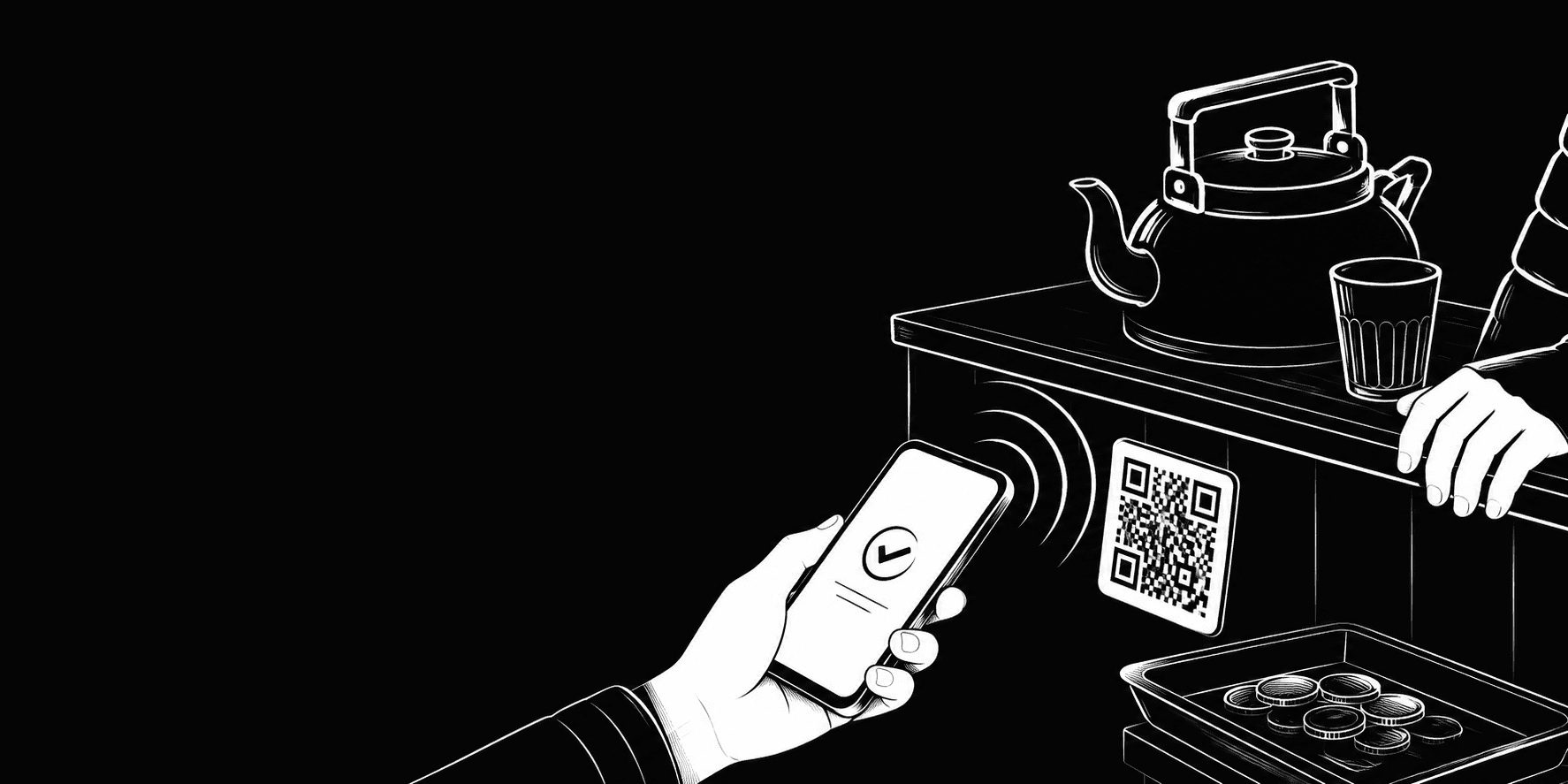
UPI made paying effortless — and that's exactly the problem. Tapping a QR code at a chai stall feels like nothing, so ₹40 here and ₹120 there never registers as "spending." Then the month ends, your balance is lower than you expected, and you genuinely cannot account for where a few thousand rupees went.
You're not careless. UPI is just designed to remove friction, and friction is what used to make you notice money leaving your hands. This guide walks through a system to get that awareness back — without turning expense tracking into a second job.
Why UPI spending is so hard to track
Cash has a built-in tracker: your wallet gets thinner. You physically see it. UPI removes that signal entirely. A ₹15 payment and a ₹1,500 payment feel identical — one tap, one beep, done.
On top of that, UPI fragments your spending across apps. You might pay with GPay at a restaurant, PhonePe for a Kirana store, Paytm for a recharge, and your bank app for rent. No single place shows the full picture, and none of them tell you what the money was for — just who received it.
The result is that most people have plenty of transaction history but zero actual insight.
The core principle: capture at the moment of spending
The single biggest mistake is trying to reconstruct your spending at month-end from bank statements. By then you've forgotten that "PhonePe merchant 8829" was actually groceries, and you'll give up halfway through.
The fix is to log the expense within a few seconds of paying, while you still remember what it was. This sounds tedious, but with the right setup it takes about five seconds and quickly becomes a reflex — like locking your phone.
Here are three ways to do it, from lowest to highest effort.
Option 1: Log it right after you pay
The moment the payment confirmation screen appears, switch to your expense tracker and add the amount and a category. Because you're already holding your phone and the amount is fresh, this is far easier than it sounds. A good tracker remembers your recent categories, so "₹120 → Food" is two taps.
This is the method that actually sticks for most people, because it piggybacks on a habit you already have (checking that the payment went through).
Option 2: Scan the receipt
For anything with a printed or digital bill — restaurants, pharmacies, big grocery runs — snap a photo instead of typing. A receipt scanner reads the amount, merchant, and date automatically, so you're not fumbling with the keypad. This is ideal for larger, itemised purchases where typing would be annoying.
Option 3: The weekly 10-minute review
If in-the-moment logging genuinely isn't for you, the fallback is a fixed weekly slot — Sunday evening works well — where you open your bank and UPI app history and log the week's spends in one sitting. It's more error-prone than real-time logging (you'll forget the odd cash-like tap), but a rough picture beats no picture. The key is that it's scheduled, not "whenever I remember," because "whenever I remember" is never.
Categories that actually make sense for Indian spending
Generic apps give you "Shopping" and "Miscellaneous" and call it a day. That's useless. To learn anything, your categories should match how you actually live:
- Food & eating out — kept separate from groceries, because these behave very differently
- Groceries & Kirana — your monthly staples and daily provisions
- Transport — auto, cab, fuel, metro, FASTag
- Bills & recharges — mobile, DTH, electricity, broadband
- Subscriptions — OTT, gym, cloud storage (the silent budget killers)
- Household help & services — maid, cook, laundry, repairs
- Health — medicines, doctor visits, tests
- People — money lent, gifts, family transfers
The last one matters more in India than most Western budgeting advice admits. A huge share of UPI transfers aren't "spending" at all — they're money lent to a friend or sent to family. If you don't separate those, your food and transport numbers look wildly inflated. (If lending is a big part of your month, it deserves its own tracking system entirely.)
Turning tracking into actual insight
Logging is only step one. The payoff comes from looking back. Once you have even three or four weeks of data, patterns jump out that were completely invisible before:
- The ₹200-a-day food-delivery habit that's quietly ₹6,000 a month
- Three overlapping OTT subscriptions you forgot about
- That "small" weekend spending that's your single largest category
A monthly spending breakdown turns vague guilt ("I feel like I overspend") into a specific, fixable fact ("I spend ₹6,000 on delivery"). That's the entire point — not to feel bad about money, but to make one or two informed changes.
Making it stick
The habit survives if you keep the friction low. A few things that help:
- Set budgets per category so you get a live sense of where you stand, not just a post-mortem
- Track in one place, no matter which UPI app you paid from
- Don't aim for perfection — 90% of your spending captured is enormously more useful than the 0% you have now